


%20(1).avif)
.avif)
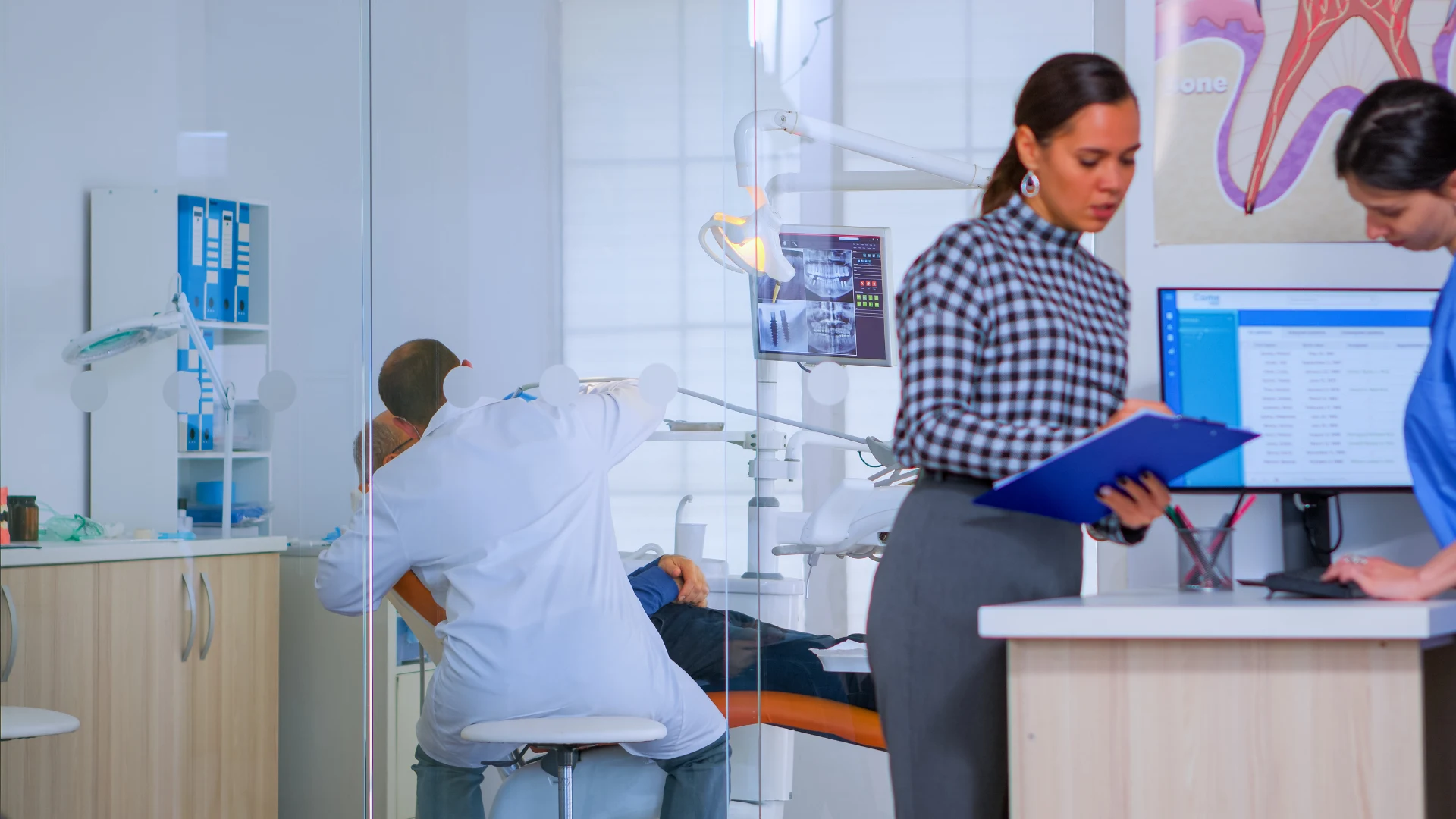
Dental practices collect sensitive information from the first appointment request through the final insurance claim.
Names, medical histories, X-rays, treatment plans, payment information, prescriptions, calls, texts, and voicemail can all reveal a patient’s identity and care.
Therefore, HIPAA for dental offices extends beyond the clinical record.
A dental office must examine how patient information enters the practice, who can access it, where it is stored, and how employees communicate outside the treatment room.
HIPAA compliance protects patient trust and reduces costly exposure. Dental offices need written policies, valid vendor agreements, secure communication tools, workforce training, access controls, and a documented incident response plan.
The following guide explains how HIPAA regulations apply to dentists and what practices they should examine in 2026.
Table of Contents
1. What does HIPAA mean for dental offices?
2. What information does HIPAA protect in a dental practice?
3. Which HIPAA rules apply to dental practices?
4. What must a dental practice do for HIPAA compliance?
5. What must a dental practice do for HIPAA compliance?
6. Why dental practices need Business Associate Agreements
7. HIPAA training for a dental workforce
8. How should dental offices respond to security incidents?
9. Common HIPAA violations in dental offices
10. How iPlum brings HIPAA-compliant calls and texts into dental operations
11. Protect patient information beyond the dental record
What does HIPAA mean for dental offices?
HIPAA establishes national standards for health insurance administration, electronic transactions, and the privacy and security of health information.
The Department of Health and Human Services enforces the HIPAA rules through its Office for Civil Rights. The rules apply to covered healthcare providers, health plans, healthcare clearinghouses, and qualifying business associates.
A dental practice generally qualifies as a HIPAA-covered entity when it sends health information electronically in connection with a standard transaction.
Common examples include electronic insurance claims, eligibility inquiries, and payment information sent to a health plan.
That said, a dentist who does not conduct covered electronic transactions might not qualify as a covered entity under HIPAA. However, state law and other privacy requirements can still apply.
A practice should confirm its status based on its services and transactions.
Once a practice becomes a covered entity, the HIPAA Privacy Rule, HIPAA Security Rule, and Breach Notification Rule apply to its relevant activities.
What information does HIPAA protect in a dental practice?
HIPAA protects the confidentiality of protected health information, or PHI. Protected health information (PHI) identifies a patient, or could reasonably identify a patient, and concerns:
- The patient's past, present, or future health
- Health care provided to the patient
- Payment for health care
PHI in a dental setting can include:
- Names, addresses, phone numbers, and email addresses
- Medical histories and medication lists
- Dental charts and treatment plans
- X-rays and clinical photographs
- Insurance details and payment information
- Referrals to a specialist or dental lab
- Appointment reminders
- Prescriptions
- Billing records
- Patient records
- Recorded calls and voicemail
- Text and email conversations
HIPAA protects information in spoken, paper, and electronic form. Consequently, voice communications and paper communications require appropriate protection alongside electronic PHI.
Information stored or transmitted electronically is known as ePHI. Examples include electronic dental records, digital X-rays, online appointment forms, emails, cloud backups, text messages, and call recordings.
Which HIPAA rules apply to dental practices?
Three main HIPAA rules shape how a dental office uses, protects, and reports incidents involving patient health information.
The HIPAA Privacy Rule
The Privacy Rule governs the use and disclosure of PHI. It also establishes patient rights regarding their records.
For example, the HIPAA Privacy Rule requires covered dental practices to:
- Use or disclose PHI only as permitted or authorized
- Apply the minimum necessary standard where it applies
- Give patients a Notice of Privacy Practices
- Allow patients to request access to their records
- Correct qualifying errors in patient records
- Record certain disclosures
- Honor valid requests for confidential communications
- Obtain a patient’s authorization for disclosures not otherwise permitted
A dental office can generally use PHI for treatment purposes, payment, and health care operations.
A dentist could send relevant records to a specialist or dental laboratory for treatment without obtaining a separate HIPAA authorization when the Privacy Rule permits the disclosure.
However, the practice should disclose only the information needed for the permitted purpose when the minimum necessary standard applies.
The standard generally does not apply to disclosures between health care providers for treatment.
Patient consent and a patient’s authorization also have different legal meanings.
A general consent form does not authorize every use of PHI. Practices must obtain patient consent or authorization when applicable and document the patient’s request for an alternative communication method.
An incidental disclosure does not automatically violate HIPAA. For instance, another patient could briefly overhear a name at reception despite reasonable precautions.
However, the practice must apply safeguards and avoid unnecessary disclosures.
The HIPAA Security Rule
The Security Rule applies to PHI created, received, maintained, or transmitted in electronic form. It requires a covered entity and its business associates to protect the confidentiality, integrity, and availability of ePHI.
HHS divides the required protections into administrative, physical, and technical safeguards.
Administrative safeguards can include:
- Written security policies
- Risk assessments
- Workforce authorization procedures
- HIPAA training
- Incident response procedures
- Contingency planning
- Vendor management
- Appointment of a security official
Physical safeguards can include:
- Secure areas for servers and workstations
- Device and media controls
- Locked record cabinets
- Controlled office access
- Secure disposal of records and equipment
Technical safeguards can include:
- Unique user accounts
- Role-based permissions
- Authentication
- Automatic logoff
- Audit controls
- Transmission security
- Encryption
- Procedures for emergency access
Physical safeguards must also protect paper records. Locked cabinets, restricted storage rooms, reception design, and secure disposal can prevent unauthorized access.
The HIPAA Breach Notification Rule
The Breach Notification Rule applies after a breach of unsecured PHI.
A covered dental practice must assess the incident and determine whether notification is required.
Its assessment should consider the information involved, the unauthorized recipient, whether the recipient acquired or viewed the information, and how the practice reduced the resulting harm.
When notification applies, the practice must notify affected patients without unreasonable delay and no later than 60 calendar days after discovering the breach. Waiting until day 60 can still count as an unreasonable delay under certain circumstances.
Breaches involving 500 or more individuals also require notice to the HHS Secretary within 60 days.
Smaller breaches must be reported to the Secretary no later than 60 days after the end of the calendar year in which they were discovered. Certain large breaches also require media notice.
What must a dental practice do for HIPAA compliance?
A checklist alone cannot establish HIPAA compliance. Dental practices must translate the rules into documented procedures that address their own workforce, vendors, systems, and services.
Conduct regular risk assessments
The HIPAA Security Rule requires an accurate and thorough assessment of potential threats and vulnerabilities affecting ePHI.
A dental practice should include:
- Practice management software
- Electronic dental records
- Digital radiography systems
- Computers and mobile devices
- Cloud storage
- Texting platforms
- Voice communications
- Electronic fax systems
- Backups
- Insurance portals
- Third-party integrations
Annual risk assessments are widely recommended as a compliance practice, particularly for dental offices with changing systems or vendors.
However, the current Security Rule does not state that every assessment must occur exactly once a year.
Instead, a practice must perform periodic technical and nontechnical evaluations. It should also repeat its analysis after material changes, such as adopting new software, changing locations, adding a dental lab integration, or discovering a security incident.
Appoint privacy and security officers
A covered dental practice must designate responsible privacy and security officers.
A small practice can assign both roles to one qualified employee.
The privacy official manages Privacy Rule policies, patient rights, complaints, and permitted disclosures. The security official manages ePHI safeguards, account access, risk management, and incident response.
Both roles need defined authority, written duties, and access to leadership in practice.
Apply access controls
Employees should access patient information only when their jobs require it. For example, a hygienist, a receptionist, a billing specialist, and an IT administrator do not need identical permissions.
Access controls should enforce:
- Unique user accounts
- Role-based permissions
- Secure passwords
- Prompt access removal after employment ends
- Account reviews
- Audit logging
- Emergency access procedures
Multi-factor authentication provides valuable protection and should be used wherever the system permits.
HHS proposed making multi-factor authentication a general requirement in its December 2024 Security Rule proposal. However, the proposal is not the current final rule.
Unique logins remain essential for accountability. Shared accounts make it difficult to determine who accessed, changed, exported, or disclosed PHI.
Encrypt dental information
Dental practices should encrypt PHI in transit and at rest. Encryption can protect patient data in email, backups, laptops, smartphones, cloud platforms, and electronic communications.
However, current HIPAA regulations classify encryption as an addressable implementation specification rather than an unconditional requirement in every situation.
“Addressable” does not mean optional. A practice must assess whether encryption is reasonable and appropriate. If it does not use encryption, it must document why and apply an equivalent measure when reasonable and appropriate.
The proposed Security Rule would require encryption of ePHI at rest and in transit, subject to limited exceptions. HHS has not finalized those changes.
Given the availability of encrypted systems and the consequences of unencrypted data breaches, dental offices should treat encryption as a central security measure.
Use HIPAA-compliant email and messaging
An unencrypted email can expose PHI during transmission or after delivery. Dental offices should use HIPAA-compliant email or another protected channel when sending patient information.
The practice should also:
- Verify the recipient
- Limit message content
- Use encryption where appropriate
- Apply account access restrictions
- Document patient communication preferences
- Review vendor security
- Obtain a valid BAA when required
A non-digital fax does not escape HIPAA. The practice must verify the fax number, place the machine in a restricted area, and avoid leaving received documents unattended.
What must a dental practice do for HIPAA compliance?
A checklist alone cannot establish HIPAA compliance. Dental practices must translate the rules into documented procedures that address their own workforce, vendors, systems, and services.
Conduct regular risk assessments
The HIPAA Security Rule requires an accurate and thorough assessment of potential threats and vulnerabilities affecting ePHI.
A dental practice should include:
- Practice management software
- Electronic dental records
- Digital radiography systems
- Computers and mobile devices
- Cloud storage
- Texting platforms
- Voice communications
- Electronic fax systems
- Backups
- Insurance portals
- Third-party integrations
Annual risk assessments are widely recommended as a compliance practice, particularly for dental offices with changing systems or vendors.
However, the current Security Rule does not state that every assessment must occur exactly once a year.
Instead, a practice must perform periodic technical and nontechnical evaluations. It should also repeat its analysis after material changes, such as adopting new software, changing locations, adding a dental lab integration, or discovering a security incident.
Appoint privacy and security officers
A covered dental practice must designate responsible privacy and security officers.
A small practice can assign both roles to one qualified employee.
The privacy official manages Privacy Rule policies, patient rights, complaints, and permitted disclosures. The security official manages ePHI safeguards, account access, risk management, and incident response.
Both roles need defined authority, written duties, and access to leadership in practice.
Apply access controls
Employees should access patient information only when their jobs require it. For example, a hygienist, a receptionist, a billing specialist, and an IT administrator do not need identical permissions.
Access controls should enforce:
- Unique user accounts
- Role-based permissions
- Secure passwords
- Prompt access removal after employment ends
- Account reviews
- Audit logging
- Emergency access procedures
Multi-factor authentication provides valuable protection and should be used wherever the system permits.
HHS proposed making multi-factor authentication a general requirement in its December 2024 Security Rule proposal. However, the proposal is not the current final rule.
Unique logins remain essential for accountability. Shared accounts make it difficult to determine who accessed, changed, exported, or disclosed PHI.
Encrypt dental information
Dental practices should encrypt PHI in transit and at rest. Encryption can protect patient data in email, backups, laptops, smartphones, cloud platforms, and electronic communications.
However, current HIPAA regulations classify encryption as an addressable implementation specification rather than an unconditional requirement in every situation.
“Addressable” does not mean optional. A practice must assess whether encryption is reasonable and appropriate. If it does not use encryption, it must document why and apply an equivalent measure when reasonable and appropriate.
The proposed Security Rule would require encryption of ePHI at rest and in transit, subject to limited exceptions. HHS has not finalized those changes.
Given the availability of encrypted systems and the consequences of unencrypted data breaches, dental offices should treat encryption as a central security measure.
Use HIPAA-compliant email and messaging
An unencrypted email can expose PHI during transmission or after delivery. Dental offices should use HIPAA-compliant email or another protected channel when sending patient information.
The practice should also:
- Verify the recipient
- Limit message content
- Use encryption where appropriate
- Apply account access restrictions
- Document patient communication preferences
- Review vendor security
- Obtain a valid BAA when required
A non-digital fax does not escape HIPAA. The practice must verify the fax number, place the machine in a restricted area, and avoid leaving received documents unattended.
Why dental practices need Business Associate Agreements
Business associates are vendors or service providers that create, receive, maintain, or transmit PHI on behalf of a covered entity.
Possible HIPAA business associates for a dental office include:
- Billing companies
- Cloud record vendors
- IT service providers
- Backup companies
- Phone and messaging providers
- Transcription vendors
- Shredding services
- Dental laboratories in certain arrangements
- Marketing vendors that process PHI
- Accountants or consultants with PHI access
A dental lab does not automatically qualify as a business associate. The relationship and permitted purpose determine its status.
For example, one health care provider can disclose PHI to another provider for treatment without creating a business associate relationship.
A covered practice must sign a valid Business Associate Agreement before an applicable vendor receives PHI.
The agreement should address permitted uses, safeguards, subcontractors, breach reporting, access to records, termination, and the return or destruction of data.
Thus, a vendor's statement that its platform is “HIPAA compliant” does not replace a signed agreement.
The ADA provides information about the required terms and offers a sample Business Associate Agreement. Practices should have legal counsel review contract terms and state law requirements.
HIPAA training for a dental workforce
All dental office employees who interact with PHI need HIPAA training appropriate to their roles.
Training should occur after hiring and when policies, duties, or technologies change. Annual refresher training is widely recommended, although HIPAA does not prescribe a universal 12-month schedule.
Training should address:
- Privacy and security policies
- The minimum necessary standard
- Patient verification
- Record requests
- Secure email and texting
- Password and device requirements
- Phishing
- Misdirected messages
- Paper record security
- Incident reporting
- Social media
- Proper disposal
A training session can take about 90 minutes, but HIPAA does not mandate a particular duration. Content quality and job relevance carry more importance than session length.
Regular training updates reduce the likelihood of preventable HIPAA violations. The practice should record training dates, topics, materials, and attendance.
How should dental offices respond to security incidents?
A dental practice must have a documented incident response plan for suspected security breaches.
The plan should explain how employees must:
- Report a lost device, suspicious email, incorrect disclosure, or unauthorized account access.
- Preserve logs, messages, and other evidence.
- Stop further exposure.
- Notify the privacy or security official.
- Assess whether the event constitutes a breach.
- Document the decision.
- Notify affected patients and authorities when required.
- Apply corrective measures.
Business associates must notify the covered entity upon discovering a breach involving the covered entity's unsecured PHI. Therefore, the BAA should specify reporting procedures and responsible contacts.
An incident does not become reportable only after an investigation ends. The notification period begins when the organization knows, or should reasonably have known, about the breach.
Common HIPAA violations in dental offices
Routine actions can violate HIPAA when a practice lacks suitable safeguards. Examples include:
- Sending an X-ray to the wrong email address
- Discussing a patient within the hearing range of visitors
- Accessing patient records out of curiosity
- Using shared login credentials
- Leaving a detailed voicemail at an unverified number
- Texting PHI from a personal phone
- Posting a patient's photograph online without the patient’s authorization
- Allowing former employees to access patient data
- Discarding paper records in ordinary waste
- Failing to execute BAAs
- Delaying patient access to requested records
- Ignoring known security vulnerabilities
Individual employees can face employment consequences and, in serious cases involving intentional misconduct, personal civil or criminal exposure.
Covered entities and business associates can also face investigations, corrective action plans, settlements, and civil monetary penalties.
HIPAA penalties can reach tens of thousands of dollars per violation, depending on the penalty tier and annual inflation adjustments. Repeated non-compliance can produce much larger totals.
Claims that “65% of HIPAA complaints are dismissed” or that “over 100,000 complaints have been upheld by HHS” need a dated source and defined terminology.
OCR's public enforcement figures change over time, and dismissal is not the same as a finding that no privacy problem occurred.
How iPlum brings HIPAA-compliant calls and texts into dental operations
Dental practices can secure their clinical systems, yet still expose PHI through personal calls, ordinary text messages, and voicemail.
Receptionists send appointment reminders. Dentists discuss post-procedure symptoms. Billing employees answer insurance questions.
A personal number or consumer messaging app can place those conversations beyond the dental practice’s administrative account.
iPlum gives dental practices a HIPAA-compliant communication system for business calls, secure messages, and voicemail.
Give dental employees a separate business number
iPlum adds a business number to an employee’s existing smartphone.
Dentists and office staff can use the iPlum number for patient communication instead of publishing their personal phone numbers.
The practice retains administrative ownership of the business line. Consequently, it can add users, remove former employees, assign permissions, and manage communication settings through its business account.
Send secure patient messages
Ordinary SMS does not provide the protections required for every PHI conversation. iPlum offers secure texting for exchanges that contain patient information.
A dental practice can use secure messages for:
- Post-treatment instructions
- Appointment information
- Billing questions
- Referral details
- Prescription discussions
- Follow-up communication
Patients can receive instructions on how to access the protected message channel.
Meanwhile, the practice can define which conversations belong in secure messaging and which clinical details must be entered into the dental record.
Apply account and access controls
iPlum provides administrators with tools to manage business communication accounts.
Dental practices can configure individual accounts, permissions, call routing, business hours, and voicemail settings based on each worker's duties.
These controls complement the dental office's access policies. The practice can also revoke a departing employee's access to business communications rather than leaving patient conversations on a personal number.
Implement a BAA
iPlum offers a signed Business Associate Agreement with eligible HIPAA plans. The BAA establishes responsibilities for PHI processed through the service.
However, no communication platform can make an entire practice compliant on its own.
The dental practice must configure its account correctly, train users, manage access, document policies, evaluate incidents, and meet all other HIPAA requirements.
Protect patient information beyond the dental record
HIPAA privacy begins before a patient reaches the treatment room and continues after the final bill.
Therefore, dental practices must examine how they collect, use, disclose, store, and transmit PHI. Written policies, regular assessments, secure systems, valid BAAs, workforce training, access restrictions, and an incident response plan form the foundation.
Patient calls and texts deserve the same attention as charts and X-rays. iPlum gives dentists a separate business number, secure messaging, administrative account management, and a BAA for eligible HIPAA plans.
Get started with iPlum to move dental calls and patient messages to a business-owned communication system built for HIPAA-regulated communication.
Disclaimer: The article provides general educational information and does not constitute legal advice.

