


%20(1).avif)
.avif)
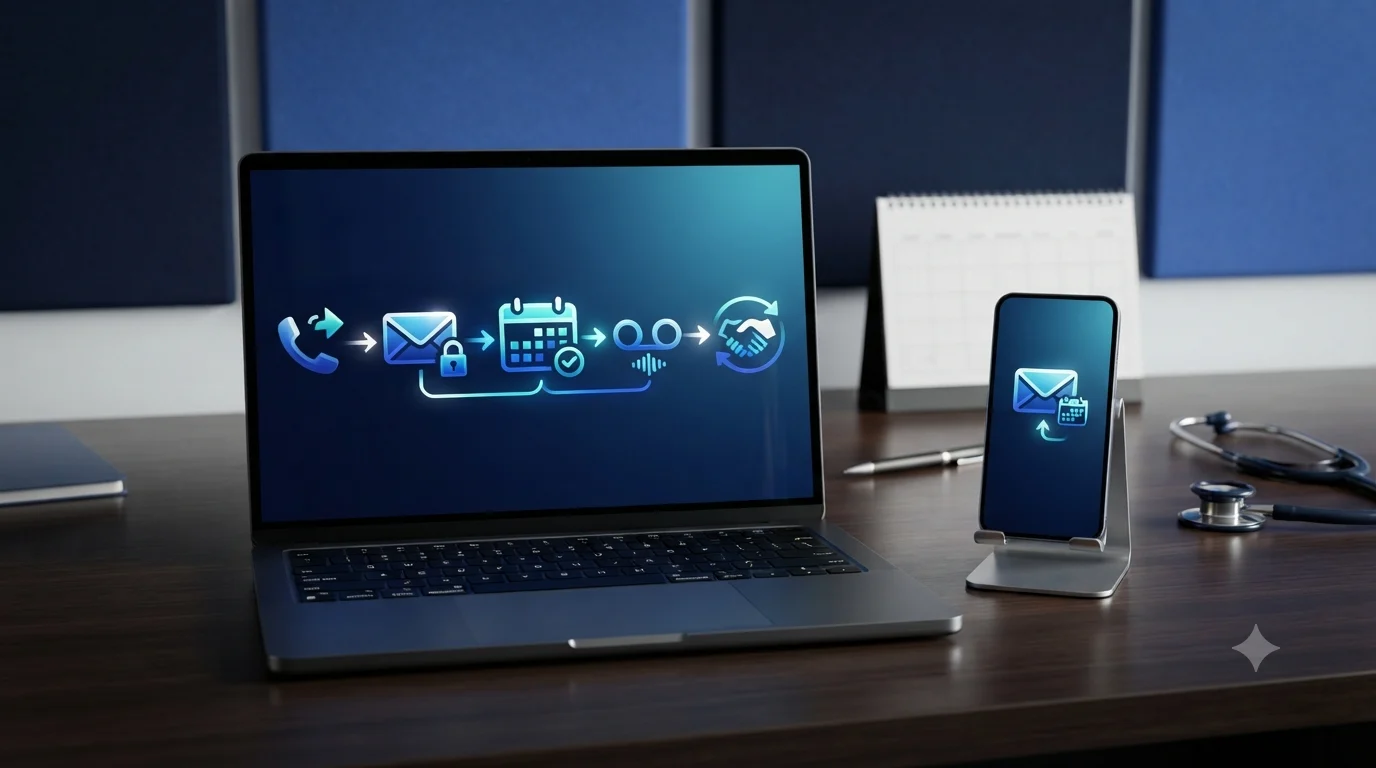
Most medical practices never take the time to design how they communicate with patients.
Phone habits form on their own, one busy week at a time, until the front desk runs on improvisation.
Here's how it plays out.
A patient calls at 4:55 on a Friday afternoon. Nobody picks up. She leaves a quick voicemail, and it sits there, unheard, until Monday morning.
Meanwhile, a nurse texts a different patient from her personal phone because it seemed quicker than logging into the office system.
A patient communication workflow can help end the improvisation. It allows you to create a repeatable routine that decides who answers every call, text, and voicemail, and how quickly.
This article walks through building that routine from scratch, step by step, and how the iPlum HIPAA compliance solution comes in.
Table of Contents
1. What a patient communication workflow looks like
2. Map every point where patients reach the practice
3. How to build a patient communication workflow: FAQs
4. Build a sustainable patient communication workflow that runs on iPlum
What a patient communication workflow looks like
A patient communication workflow is the route every message follows, from first contact to resolution.
It spells out who picks up the phone, who returns voicemails, who responds to texts, and how quickly everything happens. It includes the written rules that the whole practice runs on, instead of a collection of habits held together by memory.
You see, habits work fine in a two-person office.
In such a setup, the receptionist knows Dr. Patel returns calls at lunch. The nurse knows which patients prefer texts.
But when the practice adds a provider or patient volume doubles, the habits collapse. A refill request sits in a voicemail box for three days. Two staff members give the same patient two different answers. Meanwhile, a third message gets no answer at all.
A written workflow prevents those failures because nothing depends on any one person remembering.
It also ensures new hires learn the routine quickly. In addition, patients get consistent answers no matter who they reach. And when a compliance question arises, the practice can point to a documented process rather than shrug.
Here's how to build one.
Map every point where patients reach the practice
Before writing the rules, list every channel a patient can use to contact you. Then note what goes wrong at each one today. The list usually looks like this:
- Front-desk calls during office hours. The phone rings while the receptionist checks in a patient at the counter, so calls roll to voicemail or get rushed.
- Voicemails. Messages pile up overnight, and nobody owns the job of returning them, so callbacks happen late or not at all.
- Text messages. Patients text whichever number they have, sometimes a staff member's personal phone, which creates a compliance problem the moment health details appear.
- After-hours calls. A patient with an urgent question at 9 pm hears a generic greeting and gives up, or worse, heads to the ER for something a callback could have resolved.
- Missed calls with no voicemail. These vanish. Nobody even knows the patient tried.
Walk through a normal week and count how many messages arrive on each channel.
The numbers show where the effort belongs. A practice drowning in voicemails needs different rules than one flooded with texts. Mapping first prevents the classic mistake: buying software to fix a problem that hasn't been defined yet.
Set the rules before picking the tools
Tools come last. Rules come first. A phone system can only enforce decisions the practice has already made, so make them on paper before spending a dollar. Therefore,
Decide who answers what
Assign an owner to every channel.
The receptionist handles incoming calls and voicemails. A designated medical assistant owns texts. The on-call provider is responsible for urgent after-hours messages. One name per channel, plus a backup for sick days and vacations.
Then write an escalation path. Routine questions such as appointment changes, billing, and directions are resolved at the front desk. Clinical questions go to a nurse. Anything urgent goes straight to a provider. Staff should never wonder whether a message is theirs to answer.
Write down response times
Vague promises like "we'll get back to you soon" satisfy nobody. Set targets and post them where staff can see them:
- Voicemails returned within four business hours.
- Texts answered within two hours during office hours.
- Urgent after-hours messages returned within 30 minutes.
- Routine after-hours messages returned by 10 am the next business day.
Adjust the numbers to fit the practice. What counts is that a target exists, because staff prioritizes what gets measured, and patients calm down the moment they know when to expect an answer.
Plan for after-hours
Evenings and weekends are when communication failures are most common because nobody has decided what should happen.
Therefore, record a greeting that tells callers three things: office hours, what to do in an emergency, and when to expect a callback for everything else.
In addition, route genuinely urgent calls to the on-call provider. Also, send the rest to a voicemail box that the front desk empties first thing every morning.
An auto-reply for texts does the same job as writing. A patient who texts at midnight and gets an instant reply, "We'll respond by 10 am," reads it and relaxes. Silence makes the same patient call three more times.
Build HIPAA compliance into the workflow itself
Compliance works best as a design choice. Bolting it on later means retraining staff and rewriting rules, so build these pieces in from the start. Do the following:
- Get texting consent in writing: HIPAA permits texting patients once they've agreed to it and understand the tradeoffs. Add a consent line to intake forms and log the answer in the chart.
- Use secure channels for anything clinical: Standard SMS travels unencrypted. Basic appointment reminders with minimal detail pass muster once consent is in place, but lab results, diagnoses, and treatment questions belong on an encrypted platform.
- Sign a business associate agreement: Any vendor that touches patient information, whether the phone provider, texting platform, or answering service, must sign a BAA. No signature, no deal. A missing BAA turns an ordinary vendor relationship into a reportable violation.
- Log everything: Auditors ask for call logs, message archives, and consent records. Choose systems that automatically store these, so proof exists the day anyone asks.
Personal phones deserve special mention here. A nurse texting a patient from her own number creates records that the practice can't retrieve, archive, or produce for an audit. The workflow has to give staff a compliant channel that's just as convenient, or they'll improvise anyway.
Put the whole workflow on one phone system
With the rules written, channels mapped, and compliance decided, pick a tool that runs it all.
After all, juggling a desk phone, a texting app, and an answering service means three logins, three bills, and three vendors to chase for BAAs. One system beats three every time.
That’s where iPlum comes in.
It gives every staff member a second phone number on the phone they already carry. Here's what that brings to the table:
- A separate business line: Staff answer patients from a professional number while their personal numbers remain private. When the nurse goes on vacation, her line routes to a backup.
- HIPAA-compliant secure texting: Encrypted messaging with a signed BAA, so the texting channel in the workflow runs on solid legal ground instead of hope.
- Auto-attendant: Callers hear a professional greeting and press a number to schedule, bill, or ask clinical questions, which directs them to the right owner before the receptionist lifts a finger.
- Voicemail transcription: Voicemails arrive as readable text, so the front desk can scan and prioritize them in seconds instead of dialing into a mailbox.
- Call recording and archiving: The system automatically stores conversations, producing the audit trail HIPAA expects with zero extra effort.
- Business-hours rules: Late calls hit a custom after-hours greeting, and urgent ones route to the on-call provider, exactly as the plan on paper says they should.
The best part is that iPlum is affordable, with pricing that sits far below the combined bill for separate phone, texting, and answering vendors, freeing up a budget that most practices didn't know they were wasting.
Test it, then train on it
Before going live, run a rehearsal.
Have a staff member play patient: call during lunch, text a refill request, leave an after-hours voicemail, ask a clinical question at the front desk. Watch where messages stall or land with the wrong person, then fix the rule or the routing.
Then train everyone.
Walk through the channel owners, the response targets, and the after-hours plan. Print a one-page cheat sheet and tape it near every workstation. A workflow only exists if staff can recite it, so revisit it once a quarter and adjust whatever real life has proven wrong.
How to build a patient communication workflow: FAQs
What is a patient communication workflow?
It's a documented routine that assigns every patient call, text, and voicemail an owner, a channel, and a response deadline, so staff answer messages consistently, and nothing depends on memory.
Is texting patients HIPAA compliant?
Yes, with conditions. Practices need written patient consent, an encrypted platform for clinical details, and a signed business associate agreement from the texting vendor. Standard SMS is only suitable for minimal appointment reminders.
Do staff need separate work phones?
No. A second-line app like iPlum adds a dedicated business number to existing personal phones, so staff communicate professionally and compliantly on the devices already sitting in their pockets.
How should a practice manage after-hours patient calls?
Record a greeting stating office hours and emergency instructions, route urgent calls to an on-call provider, and send routine messages to a voicemail box that the front desk empties every morning.
How does iPlum fit into a communication workflow?
iPlum runs the entire routine. It offers separate business lines, HIPAA-compliant secure texting, auto-attendant routing, voicemail transcription, and call recording, all under a single signed BAA and a single monthly bill.
Build a sustainable patient communication workflow that runs on iPlum
A patient communication workflow turns daily chaos into a dependable routine. It allows you to map channels, name owners, set response times, and implement HIPAA compliance from the start.
The last ingredient is a phone system that enforces it.
iPlum puts a compliant business line, secure texting, and smart call routing on the phones staff already carry.
Click the link below to sign up, pick a number, and finally give patients the responsiveness they've been requesting.

