No Second Device Needed
Keep business and personal communications separate on one smartphone without changing carriers.


Business calling, secure texting, team collaboration, and compliance-focused tools on your existing smartphone.
Keep business and personal communications separate on one smartphone without changing carriers.
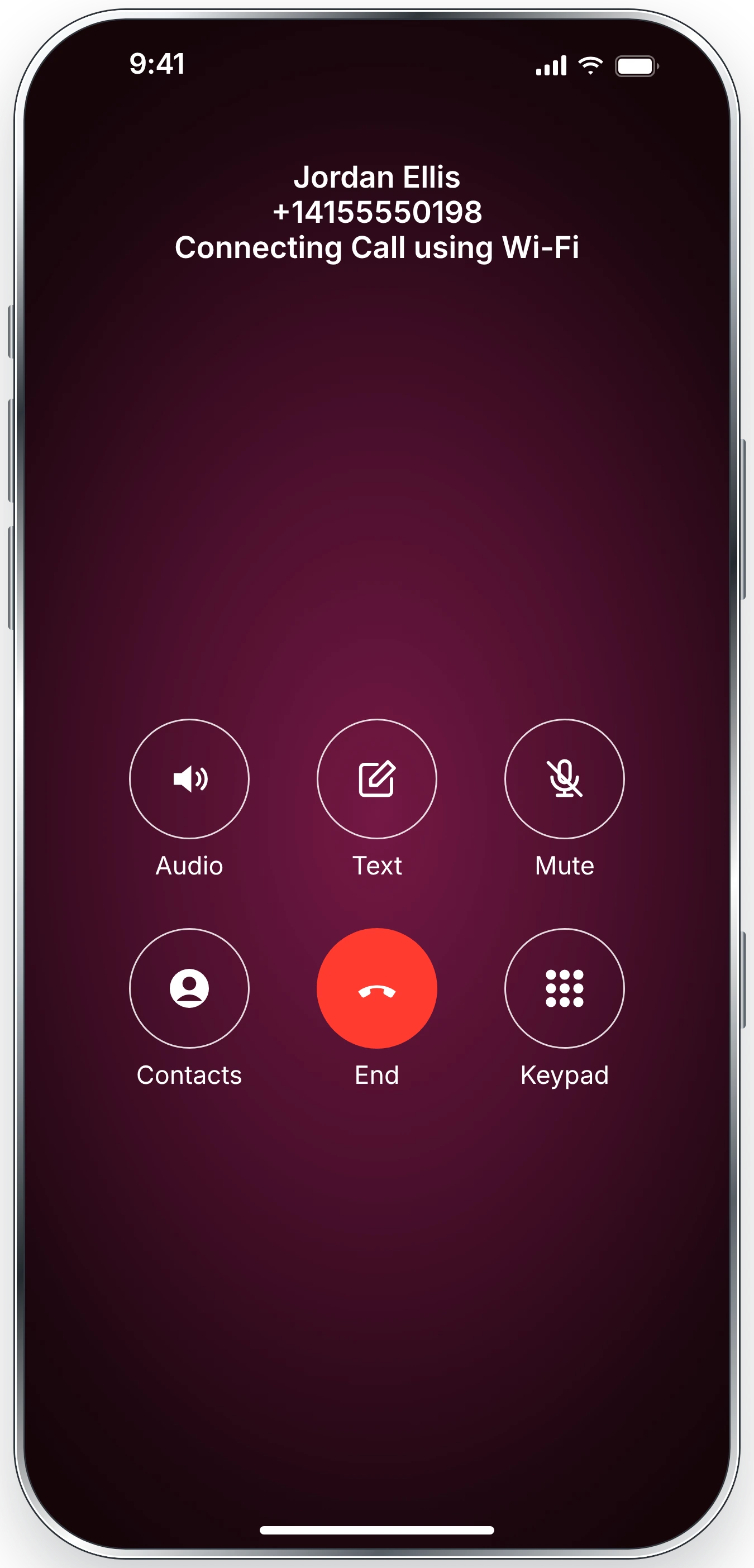
Use the mobile voice network or Wi-Fi/data to make business calls.
Automatically respond to missed calls and incoming texts with your business signature.
Route callers to the right person or department with virtual extensions.
Support secure business communications with HIPAA-focused controls and a BAA.
Set your working hours and handle calls and texts outside your schedule.
Review available voicemail transcripts and listen to the original audio.
Let your team make and receive calls and texts using shared business numbers.
Record and archive business calls, with consent announcements where appropriate.
Reduce unwanted calls and interruptions with number blocking.


Customer Service (U.S. Based)
Local & 800 Toll-Free Numbers
Number Portability
Call Mode: Voice Network or Wi-Fi/Data
True Caller-ID with Call Return
Phone-Tree & Extensions
Business Team Account
Business Hours
Domestic Calling
International Calling
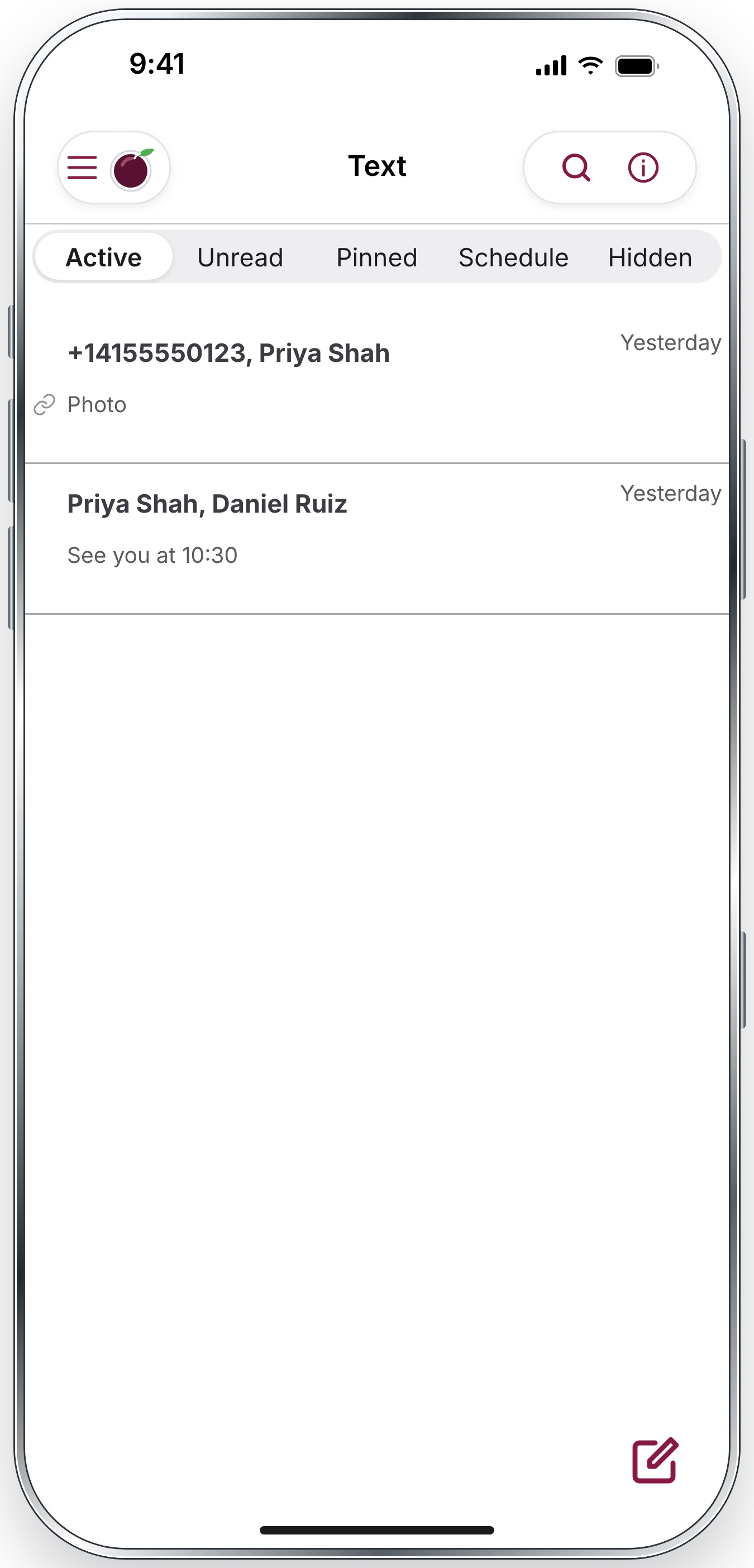
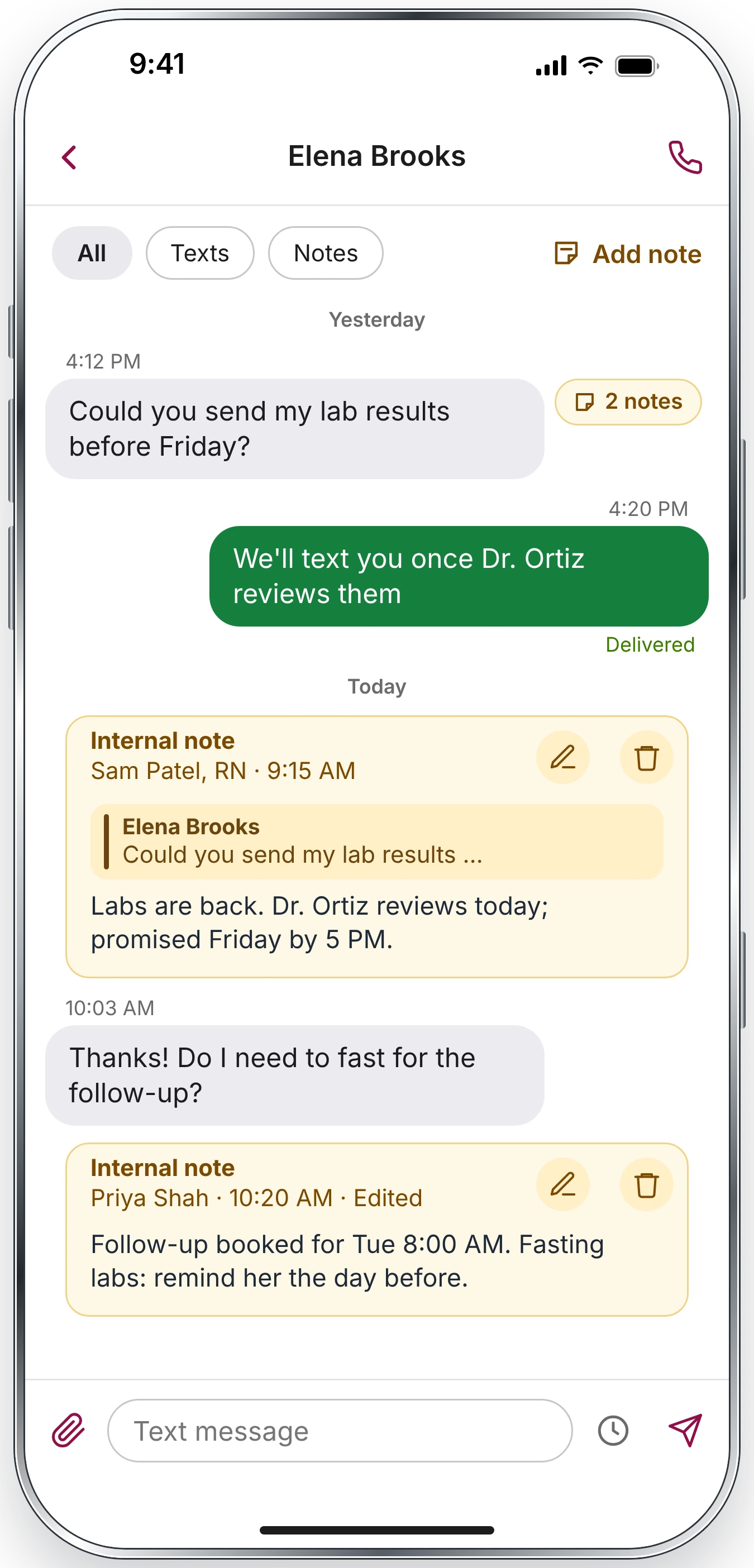
Secure Texting
Domestic Texting
International Texting
MMS: Audio, Photo, Video, Short-codes
Cloud Voicemail
Email Alerts for Voicemail
Custom Voicemail Greeting
Call Notifications
Transcriptions for Voicemail
Out-of-Office Greeting
Custom Auto Attendant Greeting
Call Transfer
Music on Hold
Create Forwarding Extensions
Call Management Rules
Text to Speech Greetings
Signature Text
Auto-Text Missed Calls & SMS
Auto-Text Business Hours
Auto Attendant (IVR)
Fax
Business Contacts
Favorites Address Book
Text Archiving, Backup
Text to Email
Schedule Text
Pin Text
Multiple Call Forwarding – Global
Multiple Inbound Paths
Call Recording
Announcement Call Recording Compliance
Calling & Texting Logs
Do Not Disturb
Password Lock
Reactivate Number
Change/Swap Number
Block Phone Numbers
Ringtones & Message Tones
HIPAA & HITECH Compliance
BAA: Business Associate Agreement
AES-256 Data Encryption & PKI Cryptography
Bring-Your-Own-Device ready (BYOD)
Cloud-Based Group Management Console
REST APIs for Usage Management
Universal Links for Developer Integration
iPhone & iPad
Android: Smartphone, Tablet, Chromebook
23 Languages, 200 countries

iPlum is designed for professional business communications with privacy and security-focused capabilities. A dedicated iPlum business number helps keep your business calling, texting and voicemail separate from your personal mobile number and communications.
No, our users have the freedom to start and stop iPlum low-cost service at will. There are no complicated contracts.
Yes, iPlum provides call recording feature. For compliance it includes an optional “Consent” message which you can play for incoming calls if your state requires it. You automatically get an alert via email when you have a recording which you can play in the iPlum online portal or iPlum app.
Yes, you can also port your existing U.S., Canada or Toll-free number into iPlum. Your rates are same as new number products at iPlum. How to port an existing number into iPlum?
iPlum brings cloud-based virtual digital attendant greeting and extensions to professionals and businesses worldwide. “Press ‘1’ for Sales, press ‘2’ for Support…” How iPlum mobile number with auto attendant works?
Yes, you can create unlimited multiple extensions in iPlum mobile phone system. Each extension can be set to ring single or multiple numbers. You can setup simultaneous or sequential ringing.
Yes, you can forward your iPlum calls to your landline or mobile phone numbers. Call Forwarding can be setup in the iPlum app settings. iPlum’s unique call forwarding feature allows to ring three external numbers simultaneously. You can also setup time period of the day for call forwarding. How to setup call forwarding in iPlum?
Yes, you can set up an iPlum account and then add “Additional Lines” to manage phone numbers and the permissions centrally from the cloud-based console. How to setup an iPlum account with multiple users?
iPlum works on both iOS (iPhone, iPad) and Android (Smartphone, Tablet) including Chromebooks.