


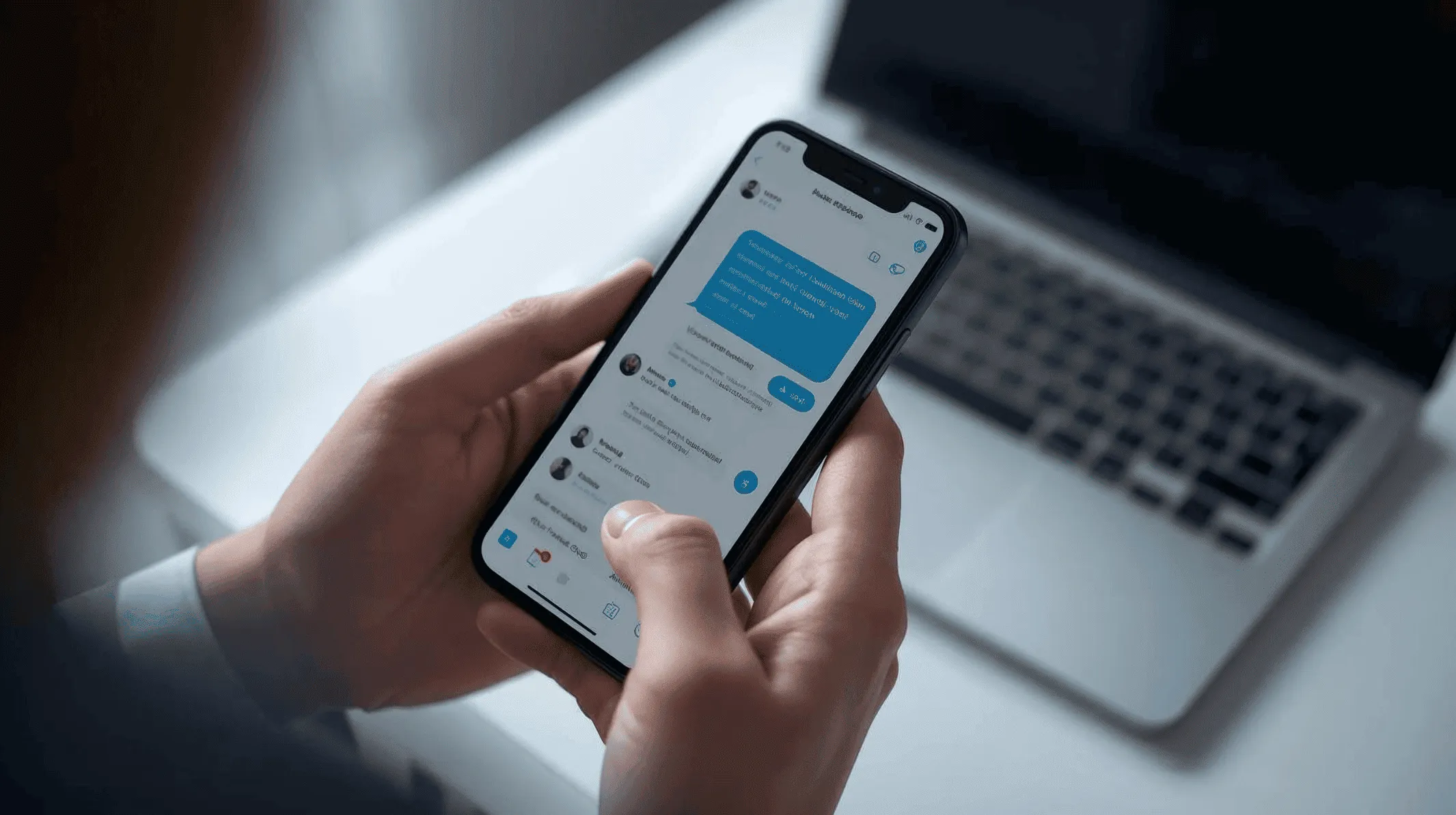
Yes, you can text from a business number if your phone service offers SMS for that number.
A separate business number allows you to answer customer questions, confirm appointments, and discuss existing services through a dedicated business contact. However, texting features and permitted activities vary by provider.
For example, iPlum offers business texting, but it does not permit SMS marketing or telemarketing.
Table of Contents
1. Why text from a business number?
2. What type of business number should you get for SMS?
3. How to get a business text number
4. What can you do with iPlum business texting?
5. Get started with an iPlum business number
Why text from a business number?
A personal number can receive business messages, but using it for work gives customers your private contact details. In addition, work conversations can mix with messages from friends and family.
A dedicated business number creates a separate channel for customer correspondence. Depending on your service and subscription, it can also provide the following benefits.
1. Give customers a consistent business contact
You can publish your business number on your website, appointment confirmations, and customer correspondence. Customers can then use that number for questions about your services.
Using the same business contact also avoids asking customers to contact different personal numbers. However, the number alone does not guarantee trust or higher response rates.
2. Send appointment reminders
Scheduled texts let you prepare an appointment reminder and select a future sending time. For example, a customer who arranged a service visit could receive a reminder about the agreed date and time.
With iPlum, scheduled texting is available through the web portal on Professional and Enterprise plans. Messages must comply with its acceptable-use policy.
3. Reply to customer questions
Texting gives customers another method of contacting your business. They might ask about office hours, confirm an appointment, or request information about work already underway.
You can review earlier messages before responding. However, the amount of available history and the archiving options depend on your subscription.
4. Set expectations when you cannot respond
Automatic replies can tell customers that your office has closed or that you cannot answer immediately. You can state your business hours and explain when they can expect a response.
For example, iPlum offers automatic text replies for missed calls and incoming texts. An automatic reply acknowledges the contact; it does not mean an employee has read the message.
5. Separate personal and business correspondence
A dedicated number lets you give customers your business contact instead of your personal number.
With iPlum, you can use a business number for calls, texts, and voicemail through the service’s app. You can also configure business hours and call forwarding for your work calls.
What type of business number should you get for SMS?
All numbers for business SMS are not equal. The choice of one option depends on what your business needs. Here’s a breakdown of your options.
Local and toll-free numbers are common business number options. Meanwhile, terms such as “VoIP” and “virtual” describe how a phone service operates, rather than a completely separate number category.
For example, a virtual phone provider may offer both local and toll-free numbers. Before choosing either, confirm texting availability and any registration requirements.
1. Local numbers
A local number has a geographic area code. You might choose an area code associated with your office or the region your business serves.
Local numbers can provide calling and texting when the provider enables those functions. However, availability varies.
2. Toll-free numbers
A toll-free number provides a business contact that is not associated with one local area code. However, voice calling and texting are separate capabilities. Confirm that the provider enables both.
3. VoIP and virtual numbers
VoIP and virtual phone services can provide business calling and messaging through an app or web interface. The available features depend on the provider and plan.
Before subscribing, check SMS/MMS availability, web access, registration, and usage allowances. Also, confirm any requirements for transferring an existing number.
A virtual number does not automatically work with every verification service or short-code sender.
4. Text-enabled landline numbers
Some providers can activate texting on eligible landline numbers. However, you must confirm how activation affects the existing voice service.
The available texting features depend on the provider, rather than the number being a landline. Ask about messaging access, scheduling, and contact management before purchasing.
5. Short codes
Short codes are five- or six-digit messaging numbers. You may encounter them when a company sends an automated notification or verification code.
However, sending and receiving short-code SMS generally does not work on virtual lines. Do not assume an iPlum number can exchange these messages or receive every authentication code.
Short codes are therefore different from the local and toll-free business numbers discussed here.
How to get a business text number
Before purchasing a number, decide how you intend to use it and which features you need. Then choose your plan and complete the required registration.
1. Check that your business activity is permitted
Business texting and SMS marketing are different uses.
iPlum, for instance, provides messaging for permitted business communication, such as customer questions and appointment coordination. We do not allow SMS marketing or telemarketing.
2. Choose a local or toll-free number
Select a local number if you want an area code associated with a particular region. Alternatively, choose a toll-free number if you prefer a business contact independent of a local area code.
You can also ask about transferring an existing number. Confirm its eligibility, any applicable charges, and the activation requirements before proceeding.
3. Select a plan with the features you need
The Standard plan provides mobile calling and texting, automatic text replies, and text signatures.
Meanwhile, Professional and Enterprise add web calling and texting, business contacts, group and broadcast messaging, scheduled texts, templates, and secure encrypted messaging.
Compare the available plans based on how you intend to communicate with customers.
4. Complete carrier registration
Before sending outgoing SMS/MMS to external US mobile numbers, complete the applicable carrier registration. The requirement applies to individual business conversations as well as messages sent to multiple recipients.
For local numbers, texting use-case review typically takes 3–5 business days, although it can take up to 20 business days. Toll-free texting follows a separate registration process.
Submit your application through the iPlum portal. The carrier agency then reviews it and decides its approval.
Account setup and outgoing texting activation are separate processes. Therefore, creating your account does not mean you can immediately send external texts.
However, iPlum-to-iPlum secure-channel messaging does not require TCR registration.
5. Configure your account and test your settings
After the necessary approval, add your business details and configure your text signature, business hours, and automatic replies.
If your plan offers templates, prepare messages for recurring situations such as appointment confirmations. Then review the wording and test your settings before using the number for customer correspondence.
For example, your appointment template could contain the customer’s name, date, time, location, and instructions for requesting a change.
What can you do with iPlum business texting?
iPlum offers several messaging functions for everyday business communication. Your subscription determines which features you can access.
Send individual texts and multimedia messages
You can exchange SMS and MMS with customers through your iPlum number. Multimedia messages can contain attachments such as photos, audio, and videos.
For example, a customer could send a photo relating to an existing service request. You could then discuss the details in the same conversation.
Use group and broadcast messaging
Professional and Enterprise provide group and broadcast texting.
In a group conversation, participants can see each other. In contrast, broadcasts reach recipients as separate messages, so recipients do not see the other recipients.
Broadcast functionality does not authorize promotional campaigns. SMS marketing and telemarketing remain prohibited, even if recipients consent or you purchase additional usage credits.
Schedule messages and automate replies
Professional and Enterprise subscribers can schedule texts through the iPlum web portal. Write the message, select its recipient, and choose a future sending time.
For example, you can schedule a reminder about an appointment the customer already arranged.
Meanwhile, automatic replies can respond to incoming texts and missed calls. You can configure these replies through the mobile app or web portal.
Arrange conversations and create templates
Through the web portal, you can pin important conversations, mark conversations unread, and archive them from your active message list.
You can also add a text signature to identify your business in outgoing messages.
For recurring correspondence, Professional and Enterprise subscribers can create reusable templates through the mobile app or web portal. Before sending, update any customer-specific details.
Exchange secure encrypted messages
Professional and Enterprise provide secure encrypted messaging through mobile-app and app-less online options.
Secure messaging uses a different channel from ordinary SMS/MMS to external phone numbers. Therefore, choose the appropriate channel before exchanging confidential information.
You should also configure the relevant account settings and follow your organization’s communication requirements.
Get started with an iPlum business number
A dedicated business number gives customers a contact for calls, texts, and voicemail while separating work correspondence from your personal number.
Choose an iPlum plan with the features you need, select your number, and complete the applicable carrier registration. Once approved, you can begin using it for permitted customer conversations.
Compare iPlum plans or create your account.
Disclaimer: This article is intended for general informational purposes and may not reflect the most current features or capabilities of the products or companies mentioned. For the most accurate and up-to-date information, please refer to the official sources of each company.

